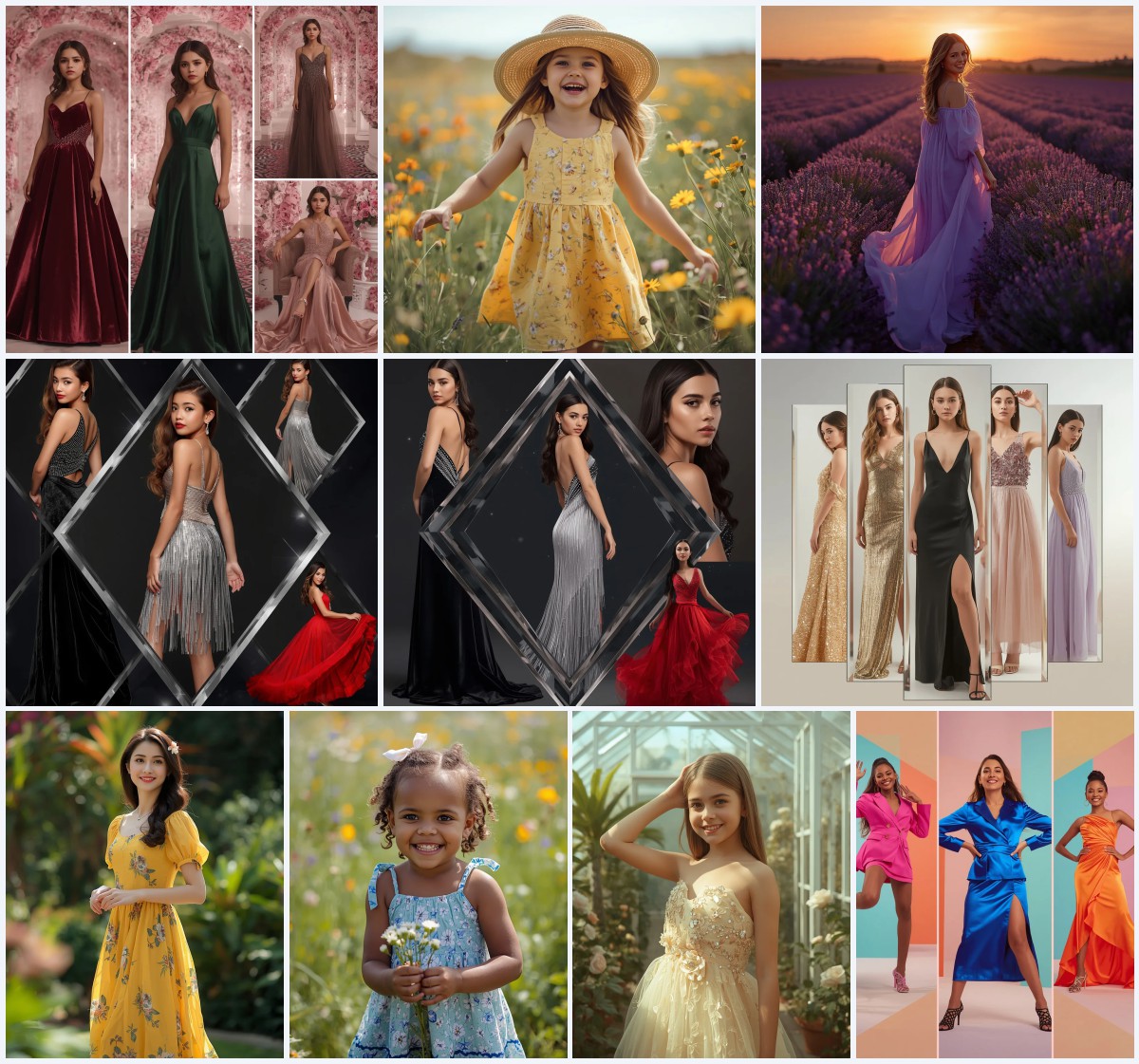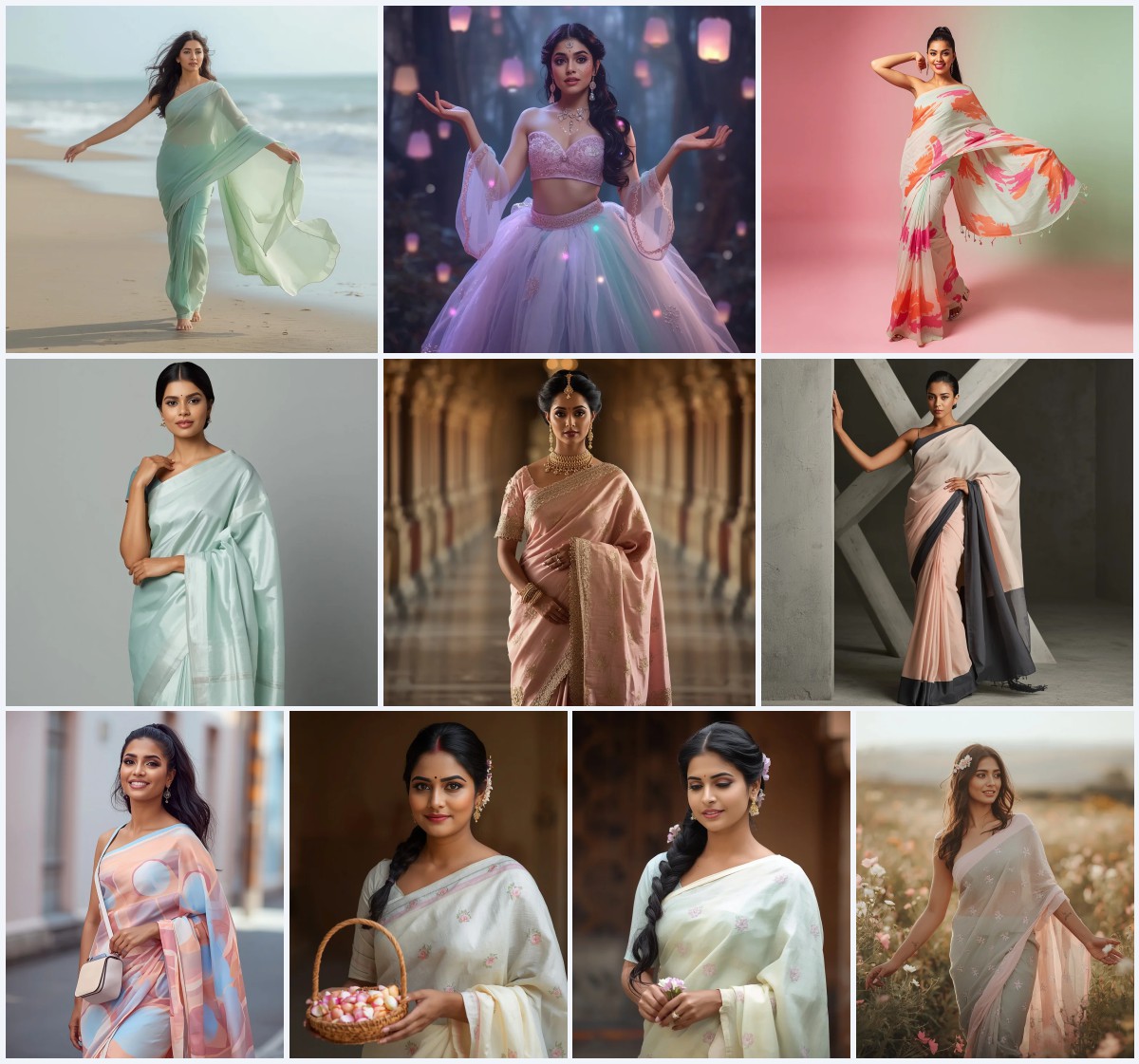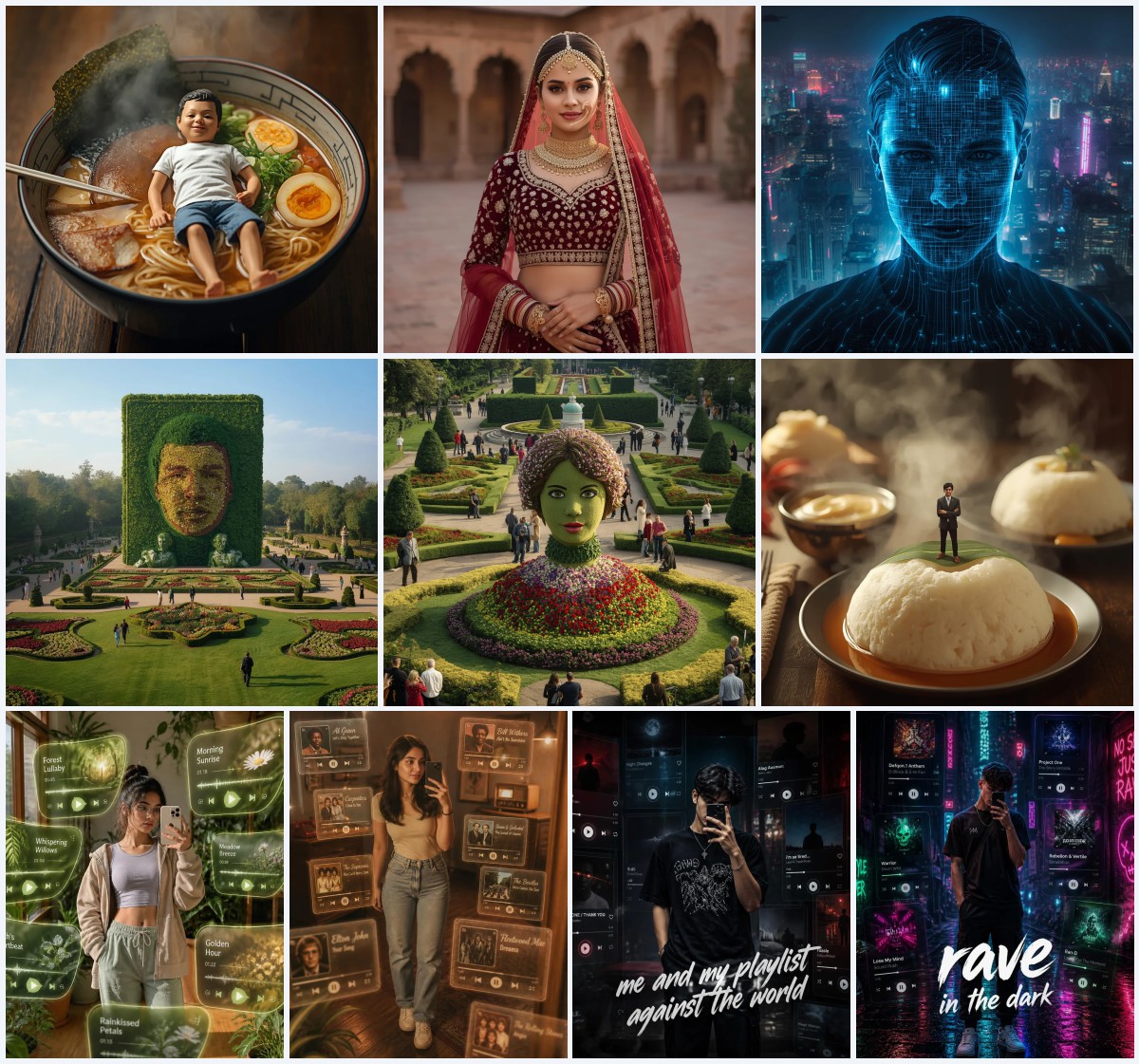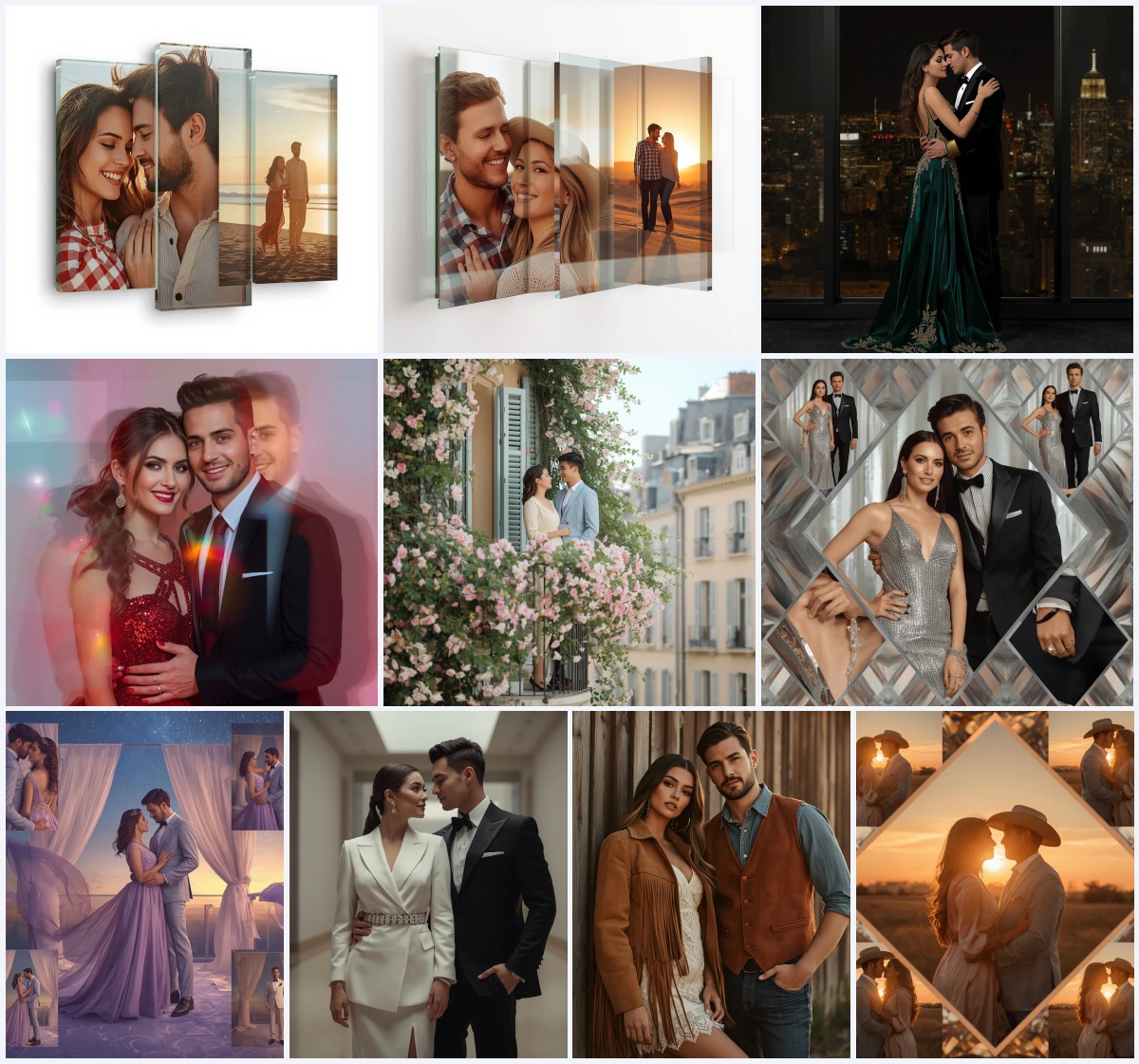


New 10 Cinematic AI Prompts for Epic Underwater Scenes with Bioluminescent Flora and Fauna
Dive into a world where the ocean glows with otherworldly light and every creature tells a story. This collection of 10 cinematic AI prompts brings together bioluminescent flora and fauna in epic underwater scenes that feel pulled from a high-budget film. Whether you are crafting a personal portrait or a dramatic seascape, these prompts give you the building blocks for images that shimmer with mystery and depth.
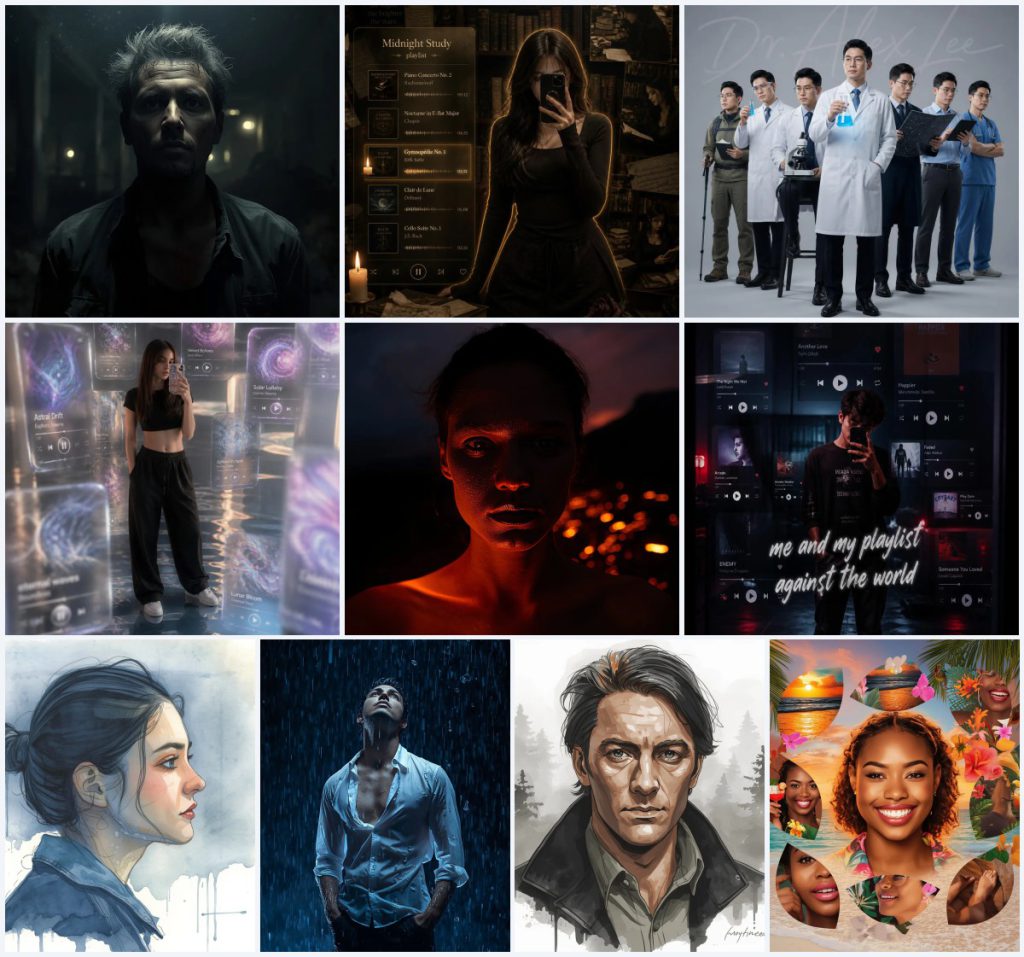
The set includes a range of moods and compositions, from the haunting 'Apocalyptic Survivor Night Flash Portrait with Grim Resolve' to the dreamy 'Tropical Paradise Collage with Vibrant Sunset Hues and Exotic Flair.' Each prompt uses light, water, and organic glow to create a shared cinematic language. Below, we break down the core scene that unites them and show you how to get the best results.
What this underwater bioluminescent prompt collection is asking for
Across all ten prompts, the collection calls for a cinematic underwater world where bioluminescent life takes center stage. The shared scene is a deep, dark aquatic environment lit only by the natural glow of strange plants and creatures. Human subjects appear as explorers, dreamers, or survivors, their faces and forms caught in dramatic flashes or soft, ethereal halos. The water itself becomes a character, with suspended particles, drifting flora, and creatures that pulse with neon blues, greens, and purples.
- A dark, submerged environment with minimal natural light, relying on bioluminescence for illumination.
- Glowing flora such as vine-like tendrils, floating jellyfish analogues, and phosphorescent coral formations.
- Fauna with translucent bodies and internal light, including eel-like creatures and tiny drifting organisms.
- A human subject in mid-action, often wearing flowing or weathered fabric that moves with the water.
- Cinematic lighting techniques like harsh overhead flashes, soft rim lights, or golden sunset hues bleeding through the surface.
- Suspended particles, bubbles, and drifting organic matter that add depth and texture to the scene.
The shared underwater world these prompts build
Imagine a realm where darkness is not empty but alive with color. The prompts construct a consistent universe: a deep-sea expanse where bioluminescent flora drapes over ancient ruins or volcanic rock, and fauna drifts like living constellations. In the 'Apocalyptic Survivor' prompt, the setting is a "desolate, post-apocalyptic urban ruin" now flooded, with "flickering emergency lights" replaced by organic glow. The 'Dramatic Volcanic Night Flash Portrait' shifts to a "volcanic landscape at night with distant lava flows providing ambient glow," where underwater vents mimic terrestrial fire.
Across the collection, water acts as both lens and veil. The 'Stylish Model Captured in a Soaked Rain-Kissed Emotional Scene' describes "rain droplets exquisitely suspended mid-air, frozen in time," while the 'Tropical Paradise Collage' frames subjects against "vibrant sunset hues" that filter through shallow water. Bioluminescent details recur: "glowing beaker" in the scientist portrait becomes a metaphor for discovery, and the 'Surreal Dream Mirror Selfie' uses "iridescent edges" and "liquid-like play buttons" that echo deep-sea bioluminescence. These clauses tie the prompts together, creating a visual language of light in darkness.
Why this prompt collection demands your attention
This set stands out because it combines cinematic drama with the untapped beauty of bioluminescent underwater worlds. Each prompt pushes the boundaries of AI image generation by asking for complex lighting, organic textures, and emotional depth that feels both alien and deeply human. The collection gives you a versatile toolkit for creating images that range from dark and gritty to lush and surreal.
- The prompts create a rare fusion of post-apocalyptic grit and natural bioluminescence, yielding images that feel both raw and magical.
- They emphasize cinematic lighting techniques like harsh flashes and rim lights, giving your results a professional, film-like quality.
- The underwater setting with glowing flora and fauna offers endless creative variation while maintaining a cohesive visual theme.
Three visual styles that shine in this collection
While the prompts span multiple aesthetics, three distinct visual styles emerge naturally from the shared bioluminescent underwater theme. Each style works within the prompts' existing framework, enhancing the cinematic feel without breaking the scene.
- Dark Cinematic Realism: This style amplifies the high-contrast, desaturated flash lighting seen in the apocalyptic and volcanic portraits, making the bioluminescent accents pop against deep shadows.
- Ethereal Watercolor Blend: Inspired by the 'Introspective Watercolor Portrait' prompt, this approach softens edges and uses translucent washes of indigo and blue to mimic the fluidity of underwater light.
- Surreal Collage Aesthetic: Drawing from the 'Tropical Paradise Collage' and 'Dream Mirror Selfie,' this style layers multiple frames and floating UI elements with glowing, iridescent textures that echo deep-sea creatures.
How to generate these epic underwater scenes step by step
Getting a stunning result from these prompts requires careful preparation and attention to detail during generation. Follow these steps to translate the cinematic vision into a polished image that respects the original composition and lighting.
- Copy the full prompt text. Select one prompt from the collection, such as the 'Apocalyptic Survivor' or 'Dark Academia' prompt, and copy the entire description exactly as provided.
- Upload a clear reference photo. Use a high-resolution image with good contrast and visible facial features. For prompts that require a mirror selfie pose, ensure your photo matches the described action.
- Generate the initial image. Paste the prompt into your chosen AI tool and run the generation. Keep the default settings unless the prompt specifies a particular aspect ratio like 3:4.
- Check the hands and face. Examine the output for distorted fingers, unnatural facial proportions, or misaligned eyes. These are common in complex underwater scenes with multiple light sources.
- Verify the main object details. Confirm that bioluminescent elements like glowing flora, floating particles, and creature silhouettes appear correctly and match the prompt's description.
- Refine with selective inpainting. If any area looks off, use inpainting to regenerate specific zones while preserving the rest. Focus on the subject's face, hands, and key glowing elements.
Choosing the right reference photo for underwater bioluminescent prompts
The reference photo you upload acts as the anchor for the entire composition. For this collection, where lighting and water effects are complex, the quality of your starting image directly impacts how well the AI can blend your subject into the scene.
- Select a photo with even, neutral lighting to give the AI flexibility in adding dramatic flash or rim light effects without clashing with existing shadows.
- Ensure the subject's face is clearly visible and sharp, especially the eyes, since many prompts emphasize intense gazes or reflections of bioluminescent light.
- If the prompt describes a specific pose like holding a phone or leaning, use a photo that matches that posture to reduce unnatural distortions during generation.
Best AI tools for generating underwater bioluminescent images
Different AI image generators handle cinematic lighting and organic bioluminescence with varying degrees of success. The table below compares four top tools for this specific collection, focusing on how well they render the glowing flora and dark aquatic environments.
| Tool | Access | Typical realism | Useful here for |
|---|---|---|---|
| ChatGPT | Free and paid tiers | Moderate to high with DALL·E integration | Rendering the 'glowing beaker' detail in the scientist portrait with accurate reflections and light spill. |
| Google Gemini | Free with Google account | High, strong at photo-like outputs | Capturing the 'rain droplets exquisitely suspended mid-air' in the soaked model prompt with crisp detail. |
| Leonardo AI | Freemium with daily credits | High, excels at cinematic styles | Applying the 'powerful, fiery orange flash source' in the volcanic portrait for dramatic rim lighting. |
| Midjourney | Paid subscription | Very high, best for artistic depth | Creating the 'translucent 3D music player tiles with iridescent edges' in the dream mirror selfie prompt. |
Three tips for enhancing bioluminescent details in your images
Small adjustments to your workflow can make the bioluminescent elements in these prompts truly mesmerizing. Focus on the materials and objects already present in the scene to amplify their glow and depth.
- Emphasize the 'glowing beaker' in the scientist prompt by adding a subtle color bleed onto the surrounding lab coat, making the light feel physically present in the water.
- For the 'floating 3D music player tiles' in the dream mirror selfie, use post-generation editing to boost the iridescent edge contrast against the dark surreal background.
- In the volcanic portrait, enhance the 'distant lava flows' by slightly increasing the orange saturation in the background while keeping the subject's rim light cool and crisp.
Common issues when generating underwater bioluminescent scenes
Even with well-crafted prompts, certain problems can arise when AI tries to balance complex lighting, water effects, and human subjects. Here are four frequent failures and how to fix them.
| Issue | What to change |
|---|---|
| Bioluminescent flora looks flat or painted on | Add terms like 'volumetric glow' or 'light scattering through water' to your prompt to create depth and diffusion around the plants. |
| Subject's face is washed out by the harsh flash | Reduce the intensity by specifying 'soft falloff on facial features' or use inpainting to restore skin texture and eye detail. |
| Floating particles look like noise or dust | Refine by describing 'delicate suspended bioluminescent specks with soft bokeh' to differentiate them from random artifacts. |
| Water effects obscure the main subject | Lower the density of 'suspended mid-air rain droplets' or 'drifting organic matter' by adding 'sparse' or 'lightly scattered' to the prompt. |
Frequently Asked Questions
Can I mix elements from different prompts in this collection?
Yes, the prompts share a common underwater bioluminescent theme, so you can blend details like the volcanic rim light from one with the floating music tiles from another. Just ensure the combined scene still has a coherent light source and water depth.
Why does the bioluminescence sometimes appear too neon or artificial?
AI models can over-saturate glowing elements if not guided. Add terms like 'natural bioluminescence, muted neon tones, deep-sea spectrum' to your prompt, or reduce saturation in post-processing for a more organic look.
Do I need a reference photo with water or night lighting already?
No, a standard well-lit portrait works best. The AI will apply the underwater environment and cinematic lighting based on the prompt, so starting with a neutral photo gives you more control over the final mood.
Conclusion
This collection of 10 cinematic AI prompts opens a portal to a bioluminescent underwater universe that is as versatile as it is visually striking. From the gritty resolve of an apocalyptic survivor to the dreamy collage of a tropical paradise, each prompt gives you the tools to create images that feel alive with light and emotion. By understanding the shared scene, applying the right styles, and refining your generation process, you can produce artwork that rivals blockbuster film frames. The key is to embrace the darkness and let the bioluminescent flora and fauna guide your creative vision.
Remember to edit only photos you have the right to modify, ensuring your creative journey stays both inspired and respectful.