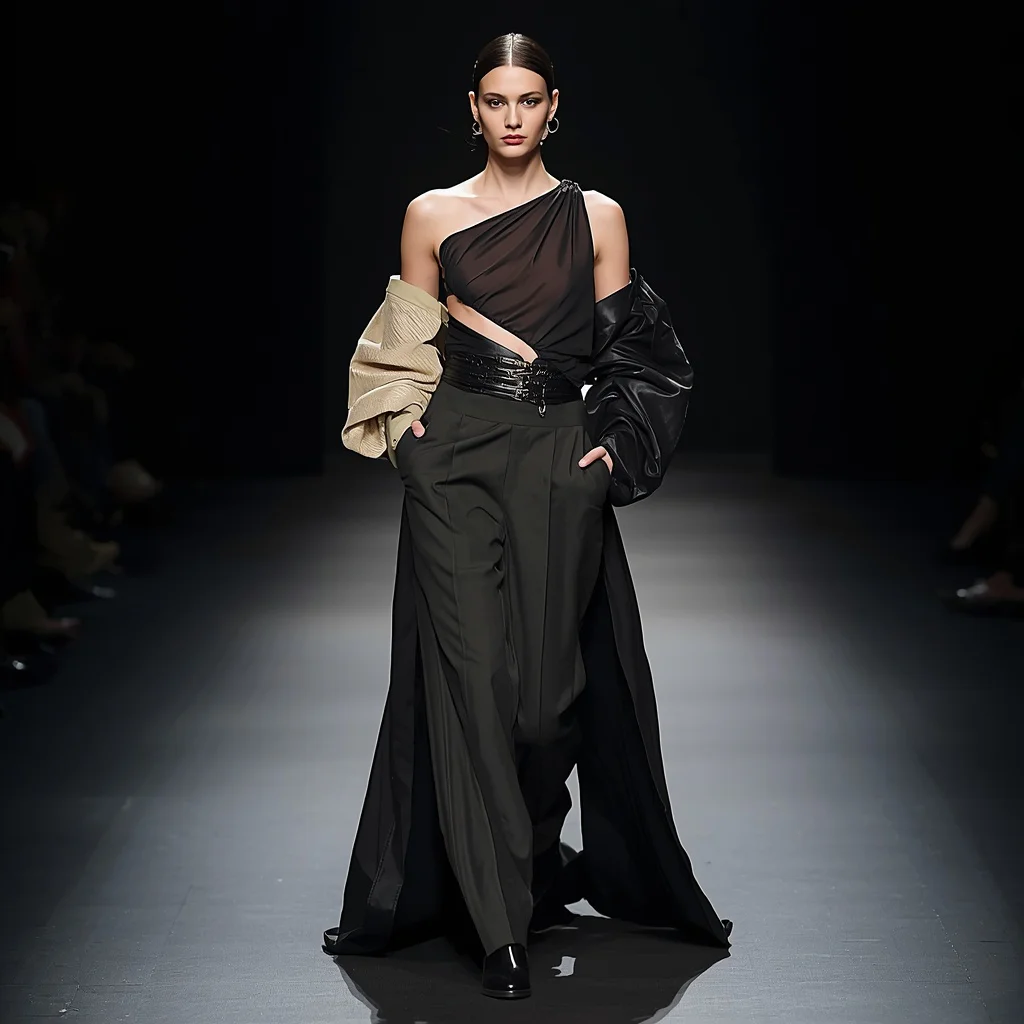
Premium Fashion Editorial Within Floating Luxury Crystal Maze Of Giant Watches | Sophisticated Couture Portrait
Imagine stepping into a world where time itself is the architecture, and haute couture meets mechanical grandeur. This premium fashion editorial prompt builds a sophisticated portrait set inside a vast maze of colossal luxury watches, each one a crystalline monument of reflective surfaces and intricate detail.
The scene is pure editorial fantasy: a model in refined tailoring stands amid floating watch structures that double as both setting and sculpture. It is a prompt designed to deliver photorealistic luxury campaign quality, blending immersive storytelling with artistic couture construction.
What this premium fashion editorial prompt is asking for
The prompt directs the AI to create a sophisticated couture portrait captured inside a vast, floating maze formed by colossal luxury watches. These giant timepieces act as architectural landmarks, their intricate mechanical details and reflective surfaces building a mesmerizing, immersive environment. The human subject wears a designer garment with refined tailoring, premium materials, and artistic couture construction, while the overall image demands editorial beauty perfection, luxury campaign quality, and photorealistic realism.
- Colossal luxury watches standing as architectural landmarks
- Intricate mechanical details creating visual complexity
- Reflective surfaces enhancing depth throughout the environment
- Designer garment with refined tailoring and premium materials
- Artistic couture construction on the model
- Photorealistic realism and immersive storytelling
Inside the floating luxury crystal maze
The environment is described as a "vast maze formed by colossal luxury watches standing as architectural landmarks." These oversized timepieces are not mere props; they define the space, their reflective surfaces and mechanical intricacies turning the scene into a crystalline labyrinth. The phrase "floating" suggests an ethereal, gravity-defying arrangement where watch faces, gears, and straps intersect like transparent walls and archways.
The model is placed at the heart of this surreal architecture. The prompt specifies "a sophisticated couture portrait captured inside" this maze, meaning the composition should frame the subject against the towering watch structures. Details like "reflective surfaces enhance depth" and "intricate mechanical details create mesmerizing visual complexity" tell the AI to treat the watches as both background and active light sources, bouncing highlights onto the couture garment and skin.
Why this prompt works for luxury fashion imagery
This prompt succeeds because it fuses high fashion with surreal architectural fantasy in a way that feels intentional and premium. The giant luxury watches immediately signal opulence and precision, aligning perfectly with the couture garment. By demanding photorealistic realism and editorial beauty perfection, it pushes the AI to render textures, reflections, and lighting at a campaign-shoot standard. The immersive storytelling element ensures the image reads as a complete narrative rather than a disconnected collage of expensive objects.
- The giant watches create an unmistakable luxury context that elevates the fashion subject
- Reflective surfaces and mechanical details add visual depth and a sense of crafted perfection
- Editorial beauty and photorealistic demands steer the output toward high-end campaign aesthetics
Three visual styles that fit this prompt
This prompt can be interpreted through three distinct visual styles, each staying true to the core elements of the floating watch maze and couture subject. You do not need to change the scene or the garment; instead, adjust the rendering atmosphere and color treatment to shift the mood while keeping every giant watch, reflective surface, and tailored detail intact.
- Hyperrealistic Luxury Campaign: Render the scene with crisp, commercial-grade lighting and flawless textures, as if shot for a Vogue editorial spread.
- Surreal Dreamscape: Introduce soft glows, ethereal haze, and slightly desaturated tones to make the crystal maze feel otherworldly while preserving every watch detail.
- Cinematic Noir: Use dramatic shadows, high contrast, and selective rim lighting to turn the reflective watch surfaces into a moody, film-like backdrop.
How to generate this sophisticated couture portrait
Creating this image requires careful attention to both the fashion subject and the architectural watch environment. Follow a structured approach to ensure the AI interprets every element correctly, from the colossal timepieces to the refined tailoring. The steps below guide you through the process, emphasizing checks for realism in hands, face, and the main object—here, the giant watches themselves.
- Copy the full prompt text. Select and copy the entire prompt exactly as written to preserve the descriptive clauses about the maze, watches, and couture.
- Upload a reference photo. Provide a clear fashion portrait or a mood image with similar lighting and reflective surfaces to guide the AI's composition and tone.
- Generate the initial image. Paste the prompt into your chosen AI tool and run the first generation at high resolution for maximum detail in the watch mechanics.
- Check the hands and face. Examine the model's hands and facial features for distortions; regenerate or inpaint if fingers are fused or eyes lack symmetry.
- Inspect the main object: giant watches. Verify that the colossal watches read clearly as timepieces with recognizable dials, hands, and mechanical parts, not abstract blobs.
- Refine and upscale. Use inpainting to fix any broken reflections or garment folds, then upscale the final image to enhance photorealistic textures.
Using a reference photo the right way
A well-chosen reference photo anchors the AI's understanding of lighting, pose, and material behavior. For this prompt, your reference should complement the floating watch maze without overriding its surreal elements. The goal is to guide realism, not replace the described scene.
- Select a high-fashion editorial shot with strong directional lighting that mimics the reflective environment of crystal and metal.
- Ensure the reference includes visible fabric texture and tailoring details so the AI translates premium materials accurately.
- Avoid references with busy backgrounds; a simple studio shot lets the AI focus on building the watch maze around the subject.
AI tools for generating this luxury watch maze portrait
Different AI image generators handle reflective surfaces, mechanical details, and photorealistic fashion with varying strengths. The table below compares four accessible tools, noting how each one can serve the specific demands of a scene filled with giant luxury watches and couture tailoring.
| Tool | Access | Typical realism | Useful here for |
|---|---|---|---|
| ChatGPT | Web and mobile | High with detailed prompting | Rendering intricate mechanical details of colossal luxury watches |
| Google Gemini | Web and app | Moderate to high | Capturing reflective surfaces that enhance depth throughout the environment |
| Leonardo AI | Web platform | High with fine-tuned models | Achieving editorial beauty perfection and luxury campaign quality |
| Midjourney | Discord | Very high, cinematic | Building the vast maze formed by colossal luxury watches as architectural landmarks |
Three tips for refining the watch maze and couture
Small adjustments in your prompting strategy can dramatically improve how the AI interprets the giant watches and the designer garment. Focus on the real materials and objects named in the prompt to keep the output aligned with the luxury editorial vision.
- Emphasize "reflective surfaces" separately in a negative prompt if the AI overdoes glare, asking it to keep reflections crisp but not blown out on the watch crystals.
- Mention "premium materials" like silk, wool crepe, or metal-thread embroidery in an additional style note to help the AI render the garment with convincing fabric weight.
- Repeat "colossal luxury watches" with a scale reference, such as "each watch stands three meters tall," if the AI shrinks them into normal-sized accessories.
Common issues and how to fix them
Even with a detailed prompt, certain failures can occur when generating a scene this complex. The table below identifies four typical problems you might encounter and the specific changes to make in your prompt or settings to resolve them.
| Issue | What to change |
|---|---|
| Watches appear as normal wrist-sized accessories | Add "colossal scale" and "architectural landmarks" emphasis; use a reference with large structural objects. |
| Reflections create chaotic, unreadable surfaces | Reduce weight on "reflective surfaces" and add "clear, defined reflections" to guide the AI toward legible mirror effects. |
| The couture garment lacks refined tailoring details | Include fabric-specific terms like "structured shoulders" or "sculptural draping" and use a high-fashion reference photo. |
| The maze looks flat without depth | Reinforce "enhance depth throughout the environment" and add "layered watch structures receding into the distance." |
Frequently Asked Questions
Can the giant watches show a specific brand or recognizable design?
The prompt describes "colossal luxury watches" with "intricate mechanical details," which gives the AI freedom to invent generic high-end timepieces. If you want a specific brand look, add a style note like "inspired by classic Swiss chronographs" without naming trademarks, as most AI tools avoid reproducing exact brand designs.
How do I make sure the model does not get lost in the maze?
The prompt specifies a "portrait captured inside" the maze, which tells the AI to keep the subject prominent. To reinforce this, use a reference photo with a clear, centered composition and add "model framed by watch structures" if the initial outputs push the figure too far back.
What if the mechanical details become messy or distorted?
Intricate mechanical details can confuse some AI models, resulting in garbled gears. Try adding "clean, precise mechanical details" to your prompt, and use an upscaler that specializes in fine texture recovery. Inpainting over the messy areas with a focused prompt about "watch gears and dials" also helps.
Conclusion
This premium fashion editorial prompt opens a portal to a world where time towers over couture, and every reflective surface tells a story of luxury. By carefully guiding the AI through scale, material, and lighting cues, you can produce a sophisticated portrait that feels plucked from the pages of a high-end campaign. The giant watch maze is not just a backdrop; it is a character in the image, demanding as much attention as the garment itself.
Once your image is ready, open it in your preferred editing software to fine-tune highlights on the watch crystals and adjust the garment's contrast, ensuring every detail of your original photograph shines exactly as you envisioned.